Patient Simulator ·
Patient Simulator: OSCE practice for physios
Patient Simulator is PhysioAI's OSCE, OSPE and DOPS style simulator: talk to a fictional patient, choose your next move and get a reason for every choice.

physioai
Instagram post
1/9
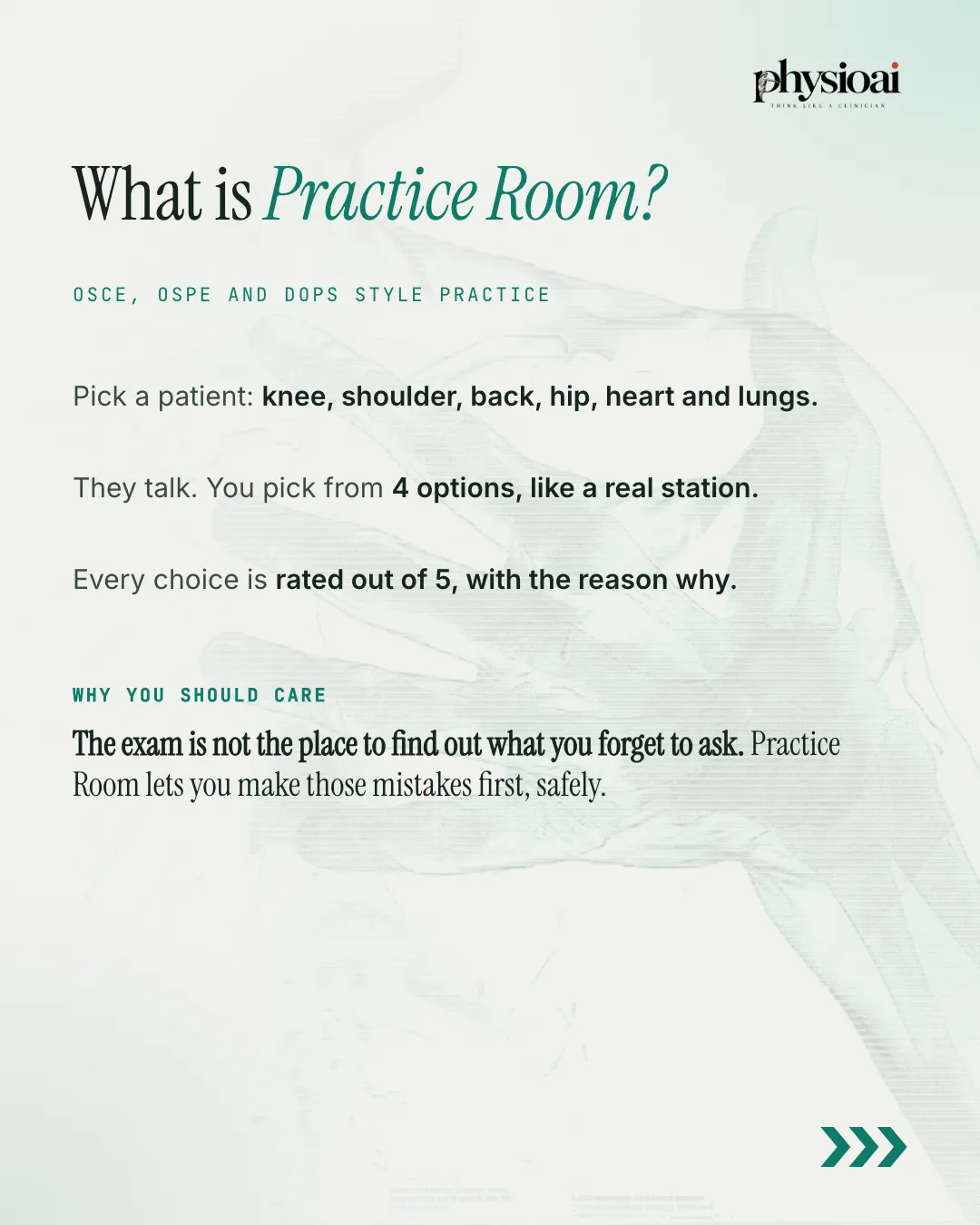
Patient Simulator (called Practice Room in the app) is a guided OSCE simulator inside the PhysioAI app. You meet a fictional patient, choose what to ask and examine from four options at each step, and get a rating and a reason for every choice, followed by an examiner-style report.
Key takeaways
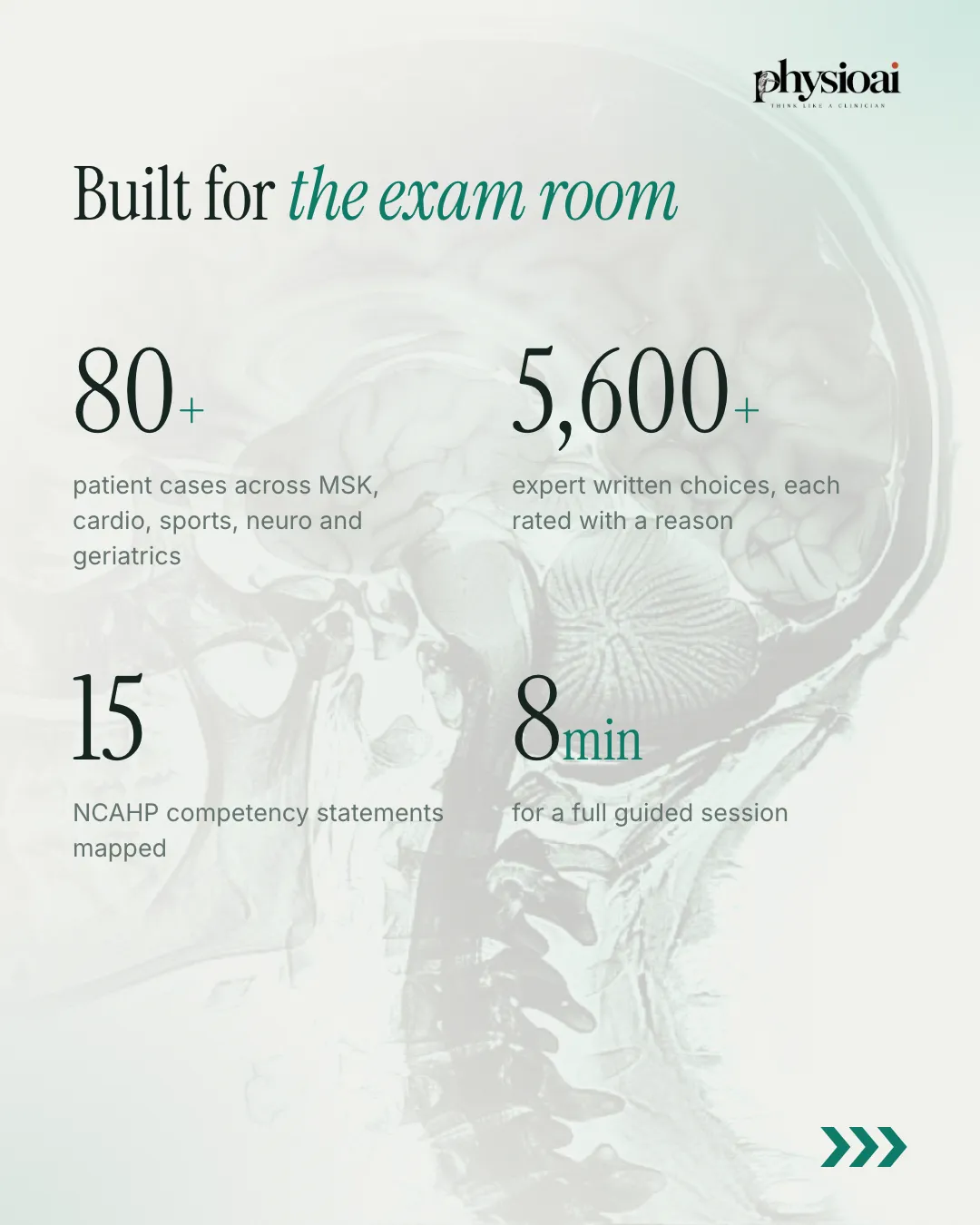
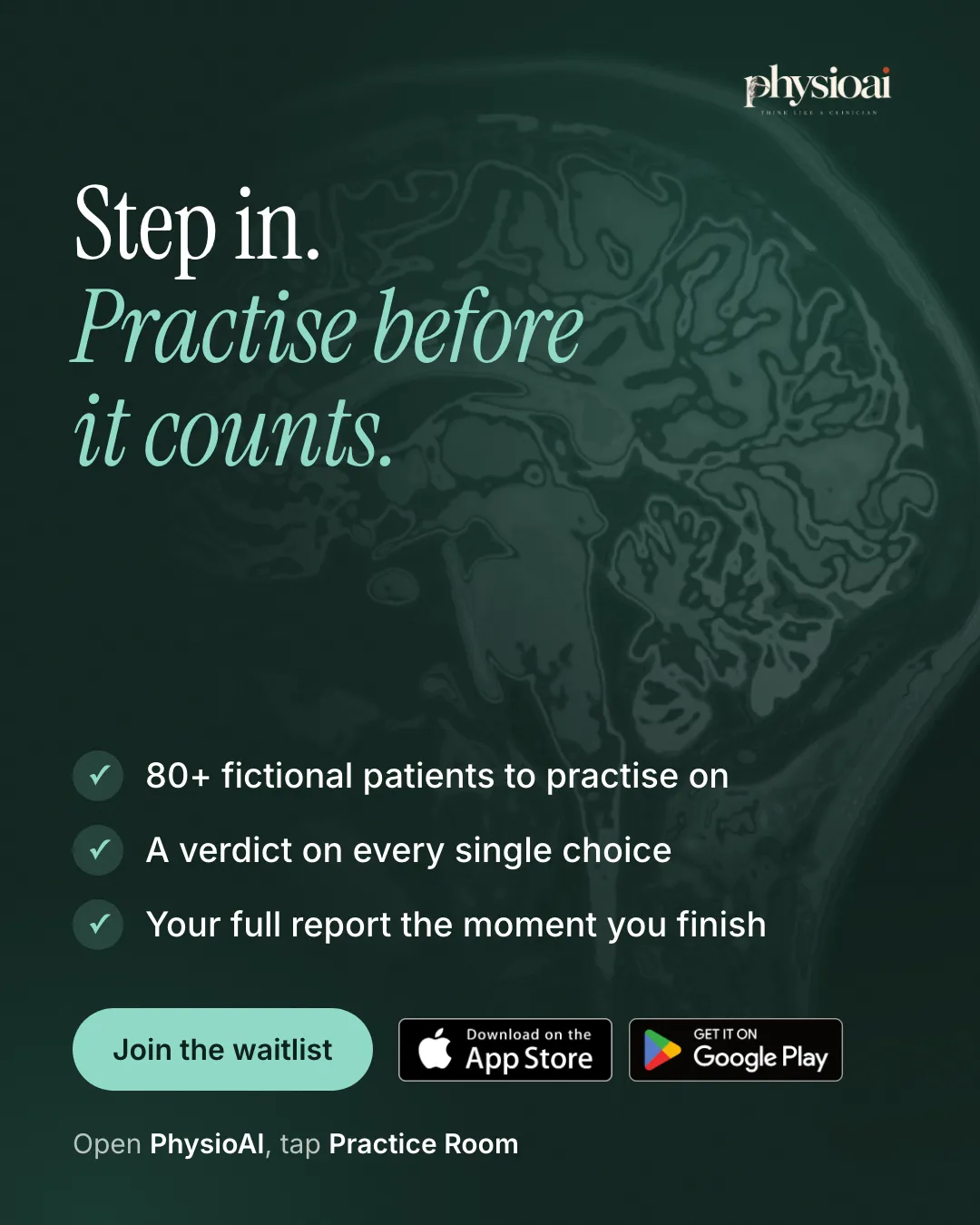
- Patient Simulator offers OSCE, OSPE and DOPS style practice for physiotherapy students, with 85+ live fictional patient cases.
- Each turn gives you four options. Every choice is rated, from best to unsafe, with the reasoning and the patient's reply.
- Unsafe choices add up, as in a real exam: three yellow flags count as one red flag, and four red flags end the session.
- The report at the end breaks your performance down by history taking, safety, examination and communication, with what to practise next.
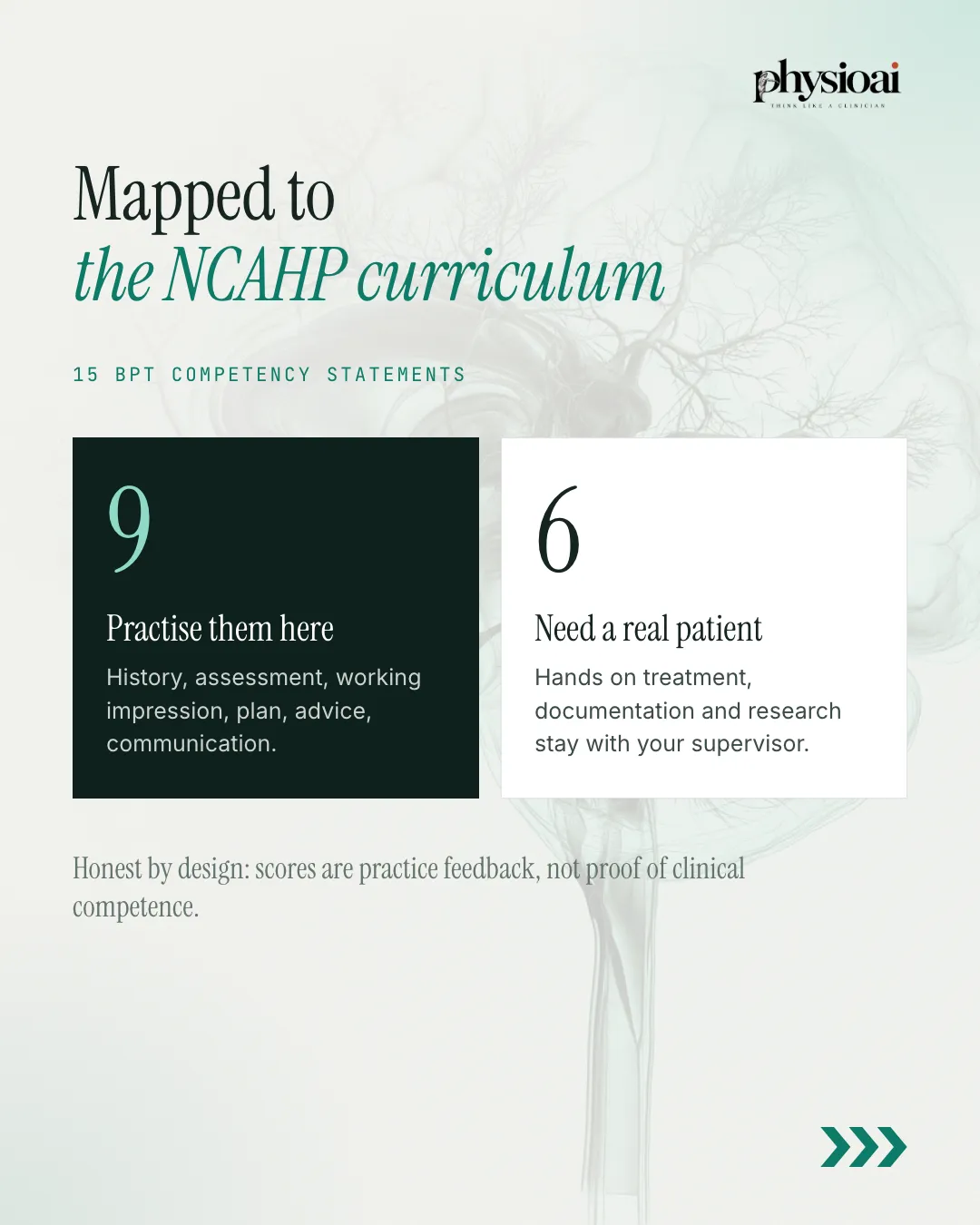
- Cases map to 15 BPT competency statements from the NCAHP curriculum. Scores are practice feedback, not proof of clinical competence.
Why practise before the exam
Your first real patient should not be your first practice. In an OSCE station, the things you forget to ask cost marks. On a ward, they can cost a patient. The exam is not the place to find out what you forget to ask. Patient Simulator lets you make those mistakes first, safely, on patients who are entirely fictional.
How a session works
- Draw your patients. You get a pair of cases, one musculoskeletal and one cardiorespiratory. Cases cover the knee, shoulder, hip, spine and chest.
- Read the case overview. Scenario, vitals, observation, movement findings, investigations and safety notes come before you start. Cases include X-ray, MRI, CT, ultrasound, echo and lab reports.
- Run the station. Each turn gives you four choices: take a history, examine, screen red flags or plan treatment. The patient talks, and you pick from four options, like a real station.
- Get your report. You see your score, a competency profile, missed must-ask questions, safety screens and the expected plan.
A full guided session takes about 8 minutes.
An example: Sneha's knee
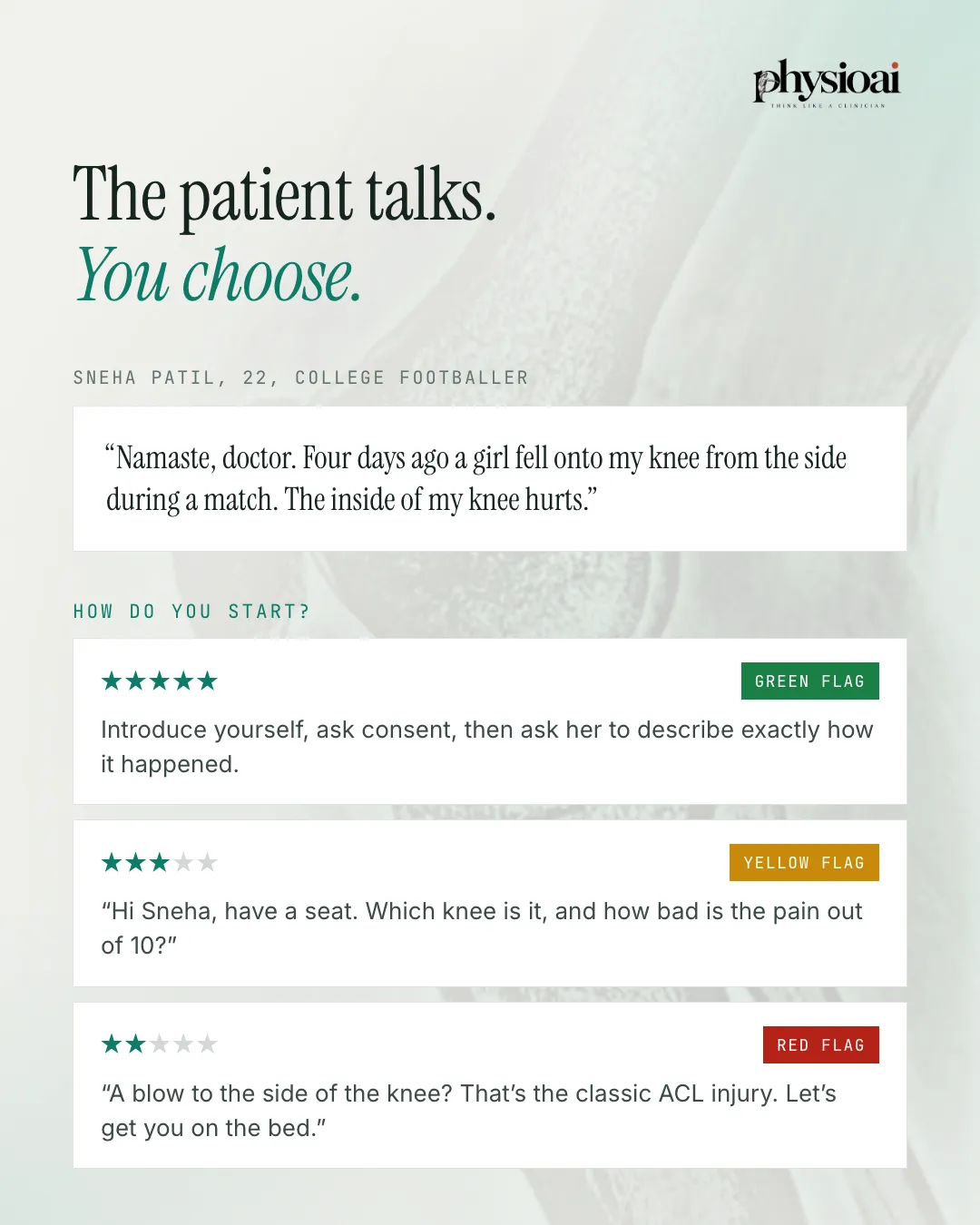
Sneha Patil is a fictional 22-year-old college footballer. She tells you: "Namaste, doctor. Four days ago a girl fell onto my knee from the side during a match. The inside of my knee hurts."
How do you start? Three of the options look like this:
- Green flag (best): Introduce yourself, ask consent, then ask her to describe exactly how it happened.
- Yellow flag (acceptable, not ideal): "Hi Sneha, have a seat. Which knee is it, and how bad is the pain out of 10?"
- Red flag (poor): "A blow to the side of the knee? That's the classic ACL injury. Let's get you on the bed."
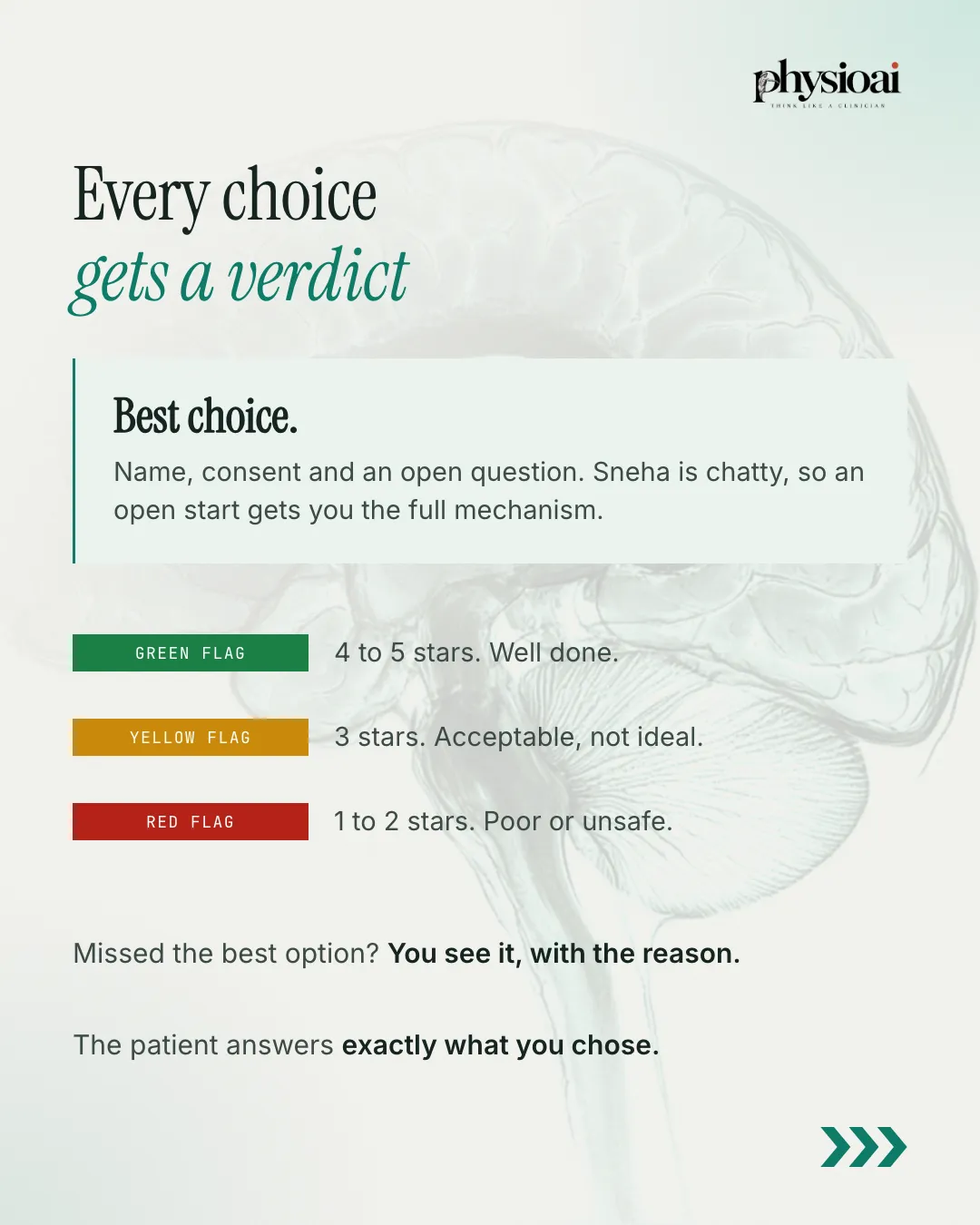
The best choice is name, consent and an open question. Sneha is chatty, so an open start gets you the full mechanism of injury. Jumping to a diagnosis before taking a history is the kind of habit an examiner notices straight away.
Every choice gets a verdict
Each choice is rated out of 5 stars, with a reason:
- Green flag: 4 to 5 stars. Well done.
- Yellow flag: 3 stars. Acceptable, not ideal.
- Red flag: 1 to 2 stars. Poor or unsafe.
If you missed the best option, you see it with the reason. The patient then answers exactly what you chose, so a poor question gets a less useful reply, just as it would in clinic.
Unsafe choices count
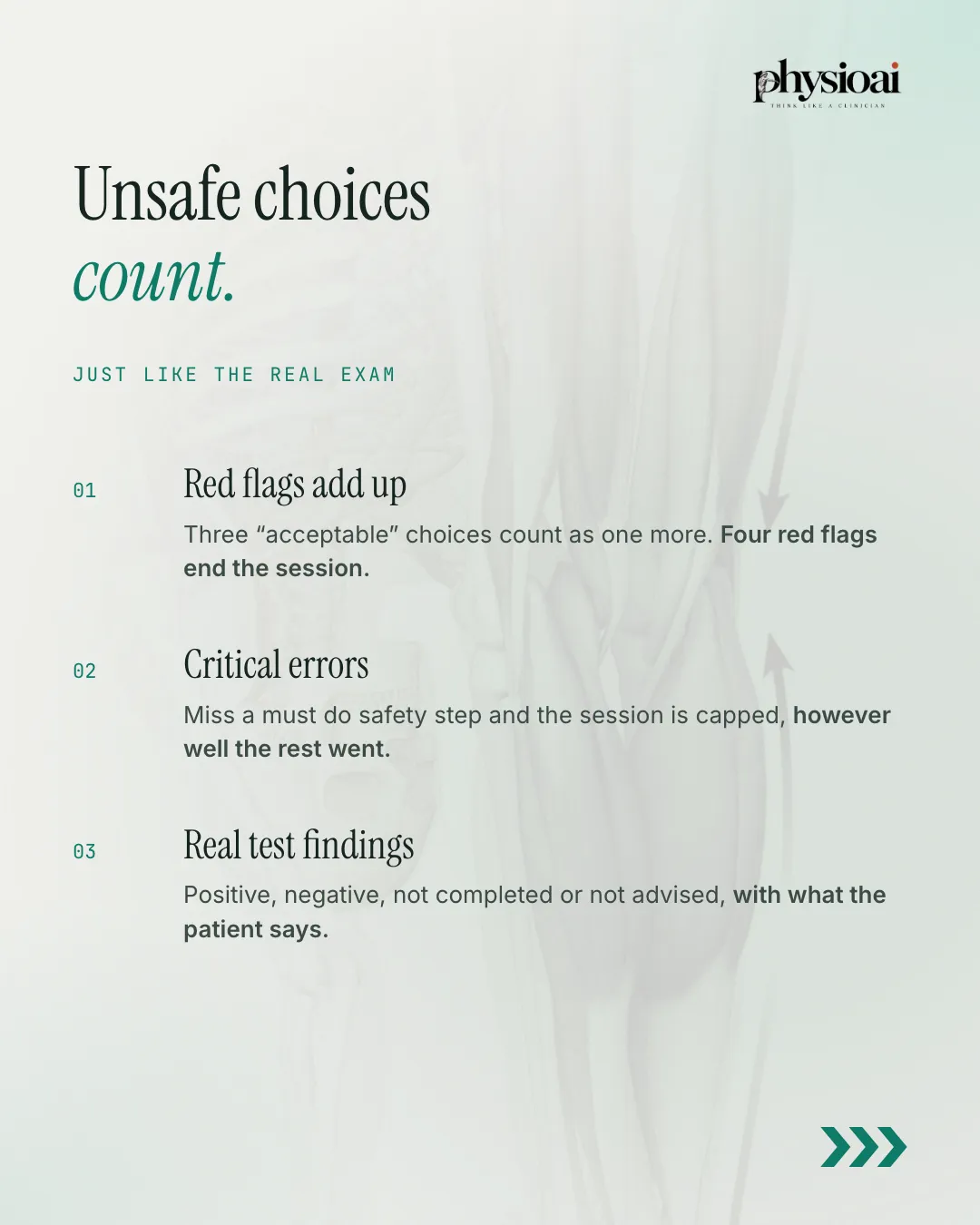
Patient Simulator scores like an exam, not a quiz:
- Red flags add up. Three acceptable (yellow) choices count as one more red flag. Four red flags end the session.
- Critical errors cap your score. Miss a must-do safety step and the session is capped, however well the rest went. Cases test whether you catch what cannot be missed, such as cauda equina, septic joints, DVT and cardiac referral.
- Real test findings. Special tests return positive, negative, not completed or not advised, with what the patient says.
Your report
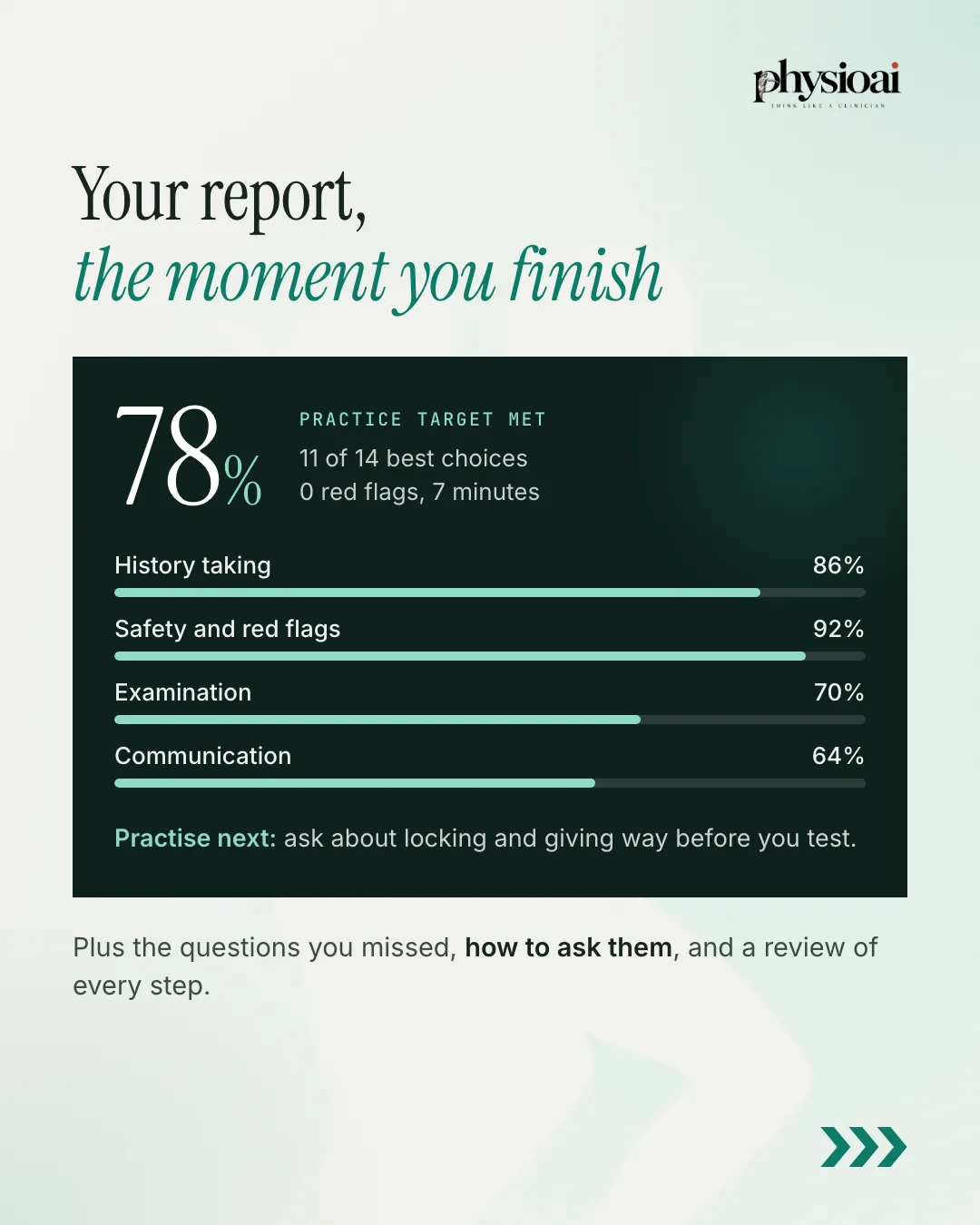
The report arrives the moment you finish. A sample report reads 78%, practice target met: 11 of 14 best choices, 0 red flags, 7 minutes. It then breaks the score down by domain, such as history taking, safety and red flags, examination and communication, and gives a specific next step, for example: ask about locking and giving way before you test.
You also see the questions you missed, how to ask them, and a review of every step. Every completed run is saved, so you can reopen past reports and track how you improve.
Mapped to the NCAHP curriculum
Patient Simulator maps to 15 BPT competency statements from the NCAHP curriculum. You can practise history, assessment, working impression, plan, advice and communication here. Hands-on treatment, documentation and research still need a real patient and your supervisor.
PhysioAI is clear about the limits: scores are practice feedback, not proof of clinical competence.
How to try Patient Simulator in PhysioAI
Patient Simulator opens in waves. Open the PhysioAI app, tap Patient Simulator and join the waitlist, and your access will be unlocked. Free accounts get one draw of two patients, and Pro gives a fresh pair of cases every day. All patients are fictional and for education only. See the full feature list on the Patient Simulator page.