Patient Simulator ·
Patient Simulator in your patient's language
PhysioAI's Patient Simulator runs OSCE history taking in English, 12 Indian and 5 international languages, with English feedback and a one-tap switch.

physioai
Instagram post
1/16
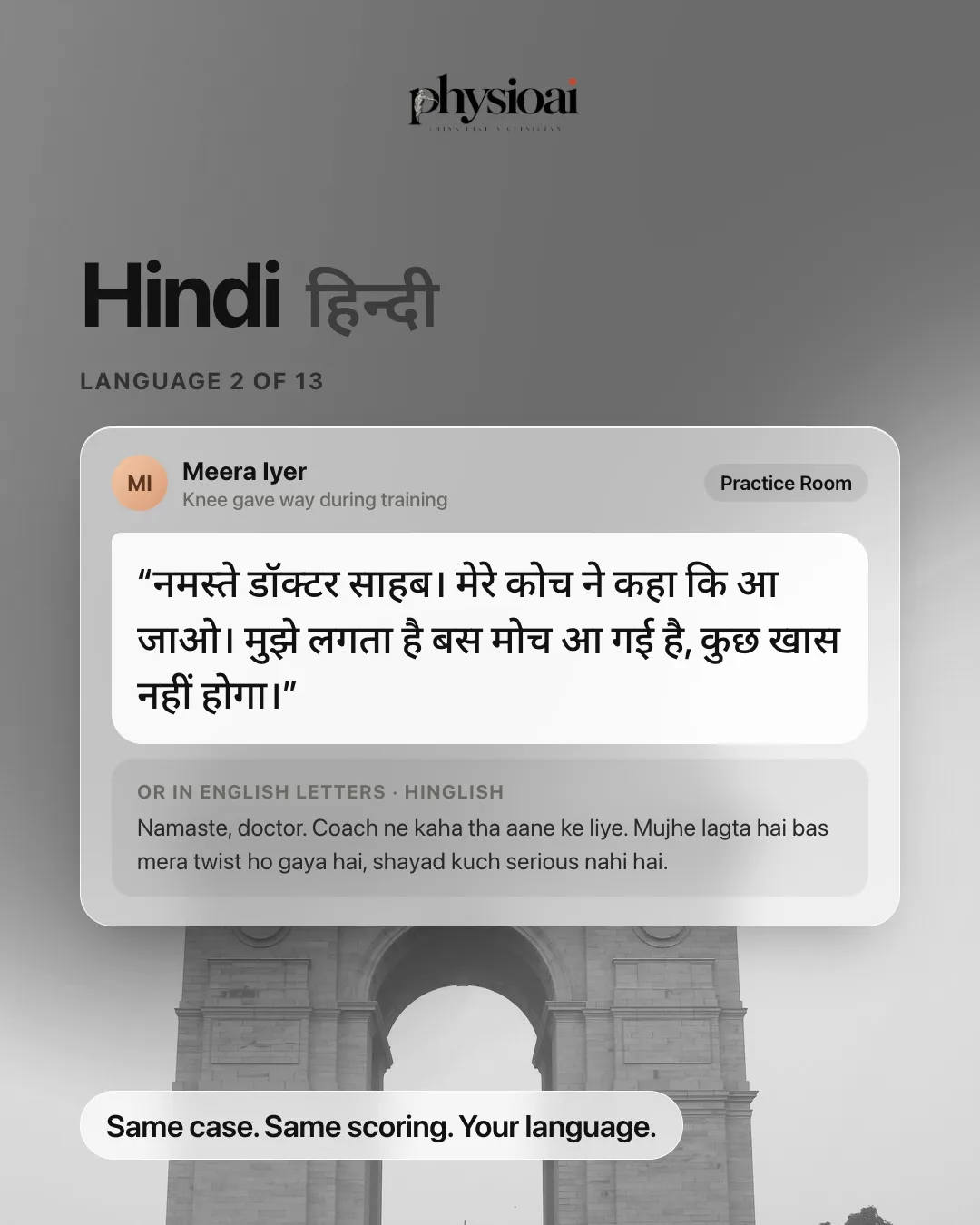
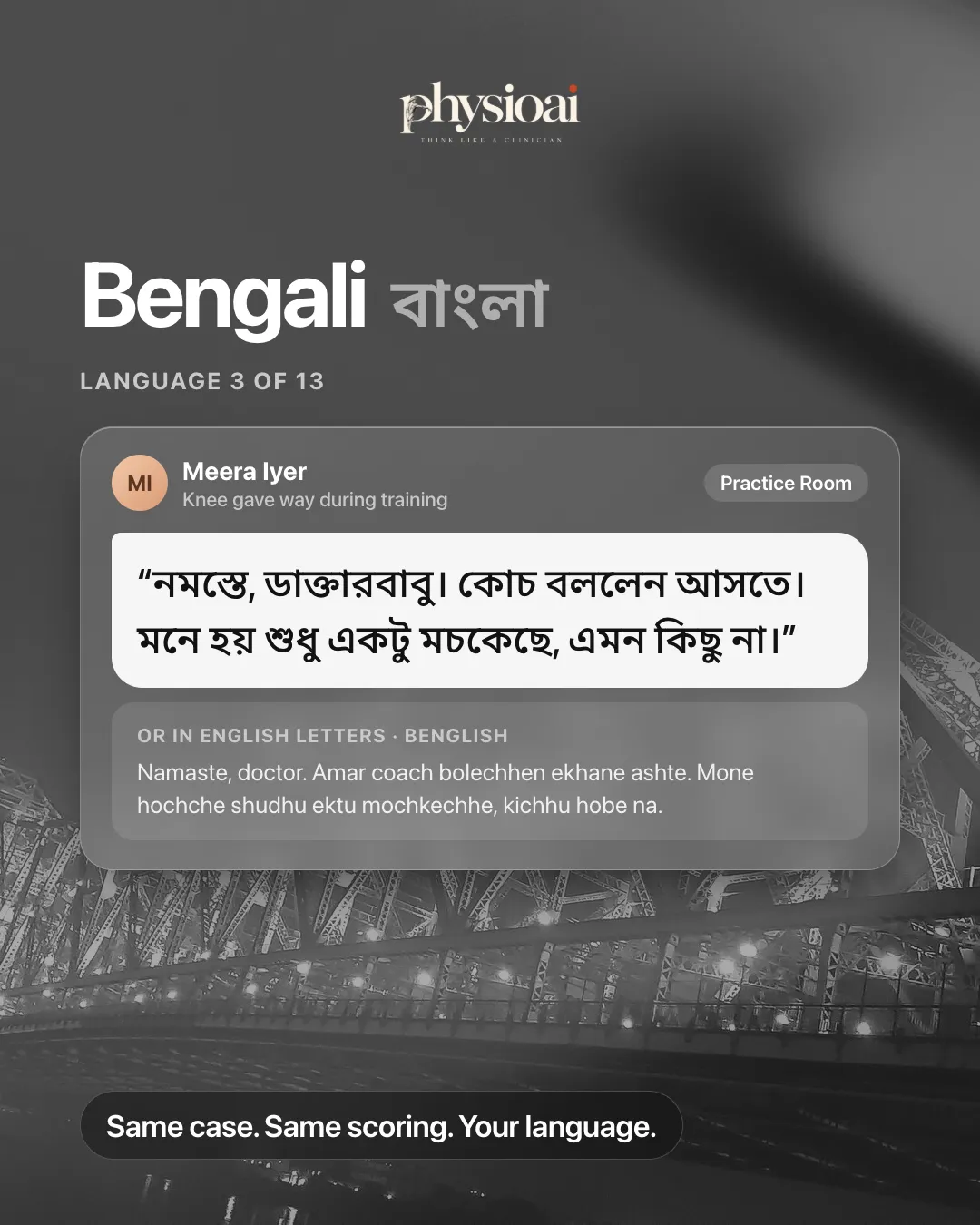
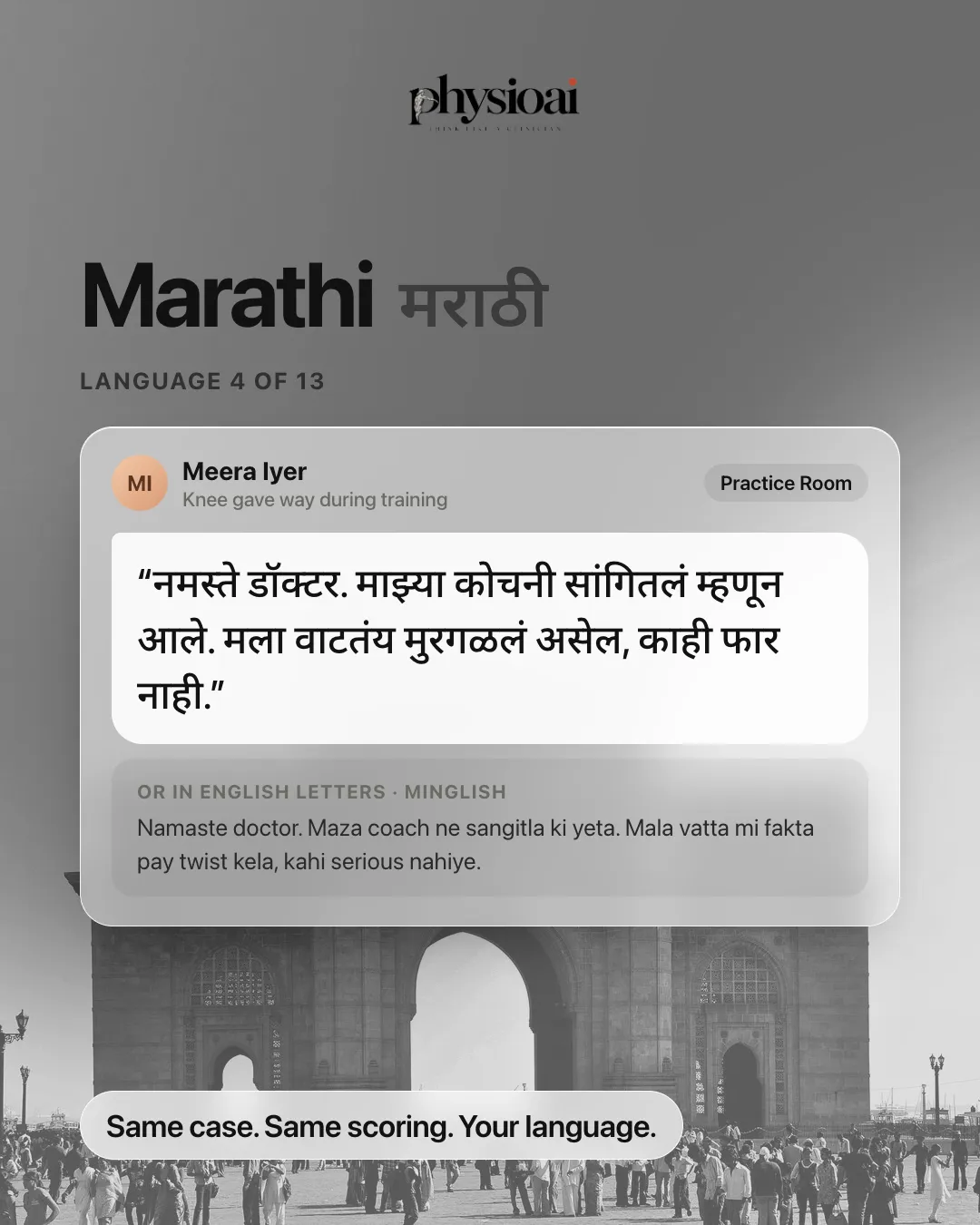

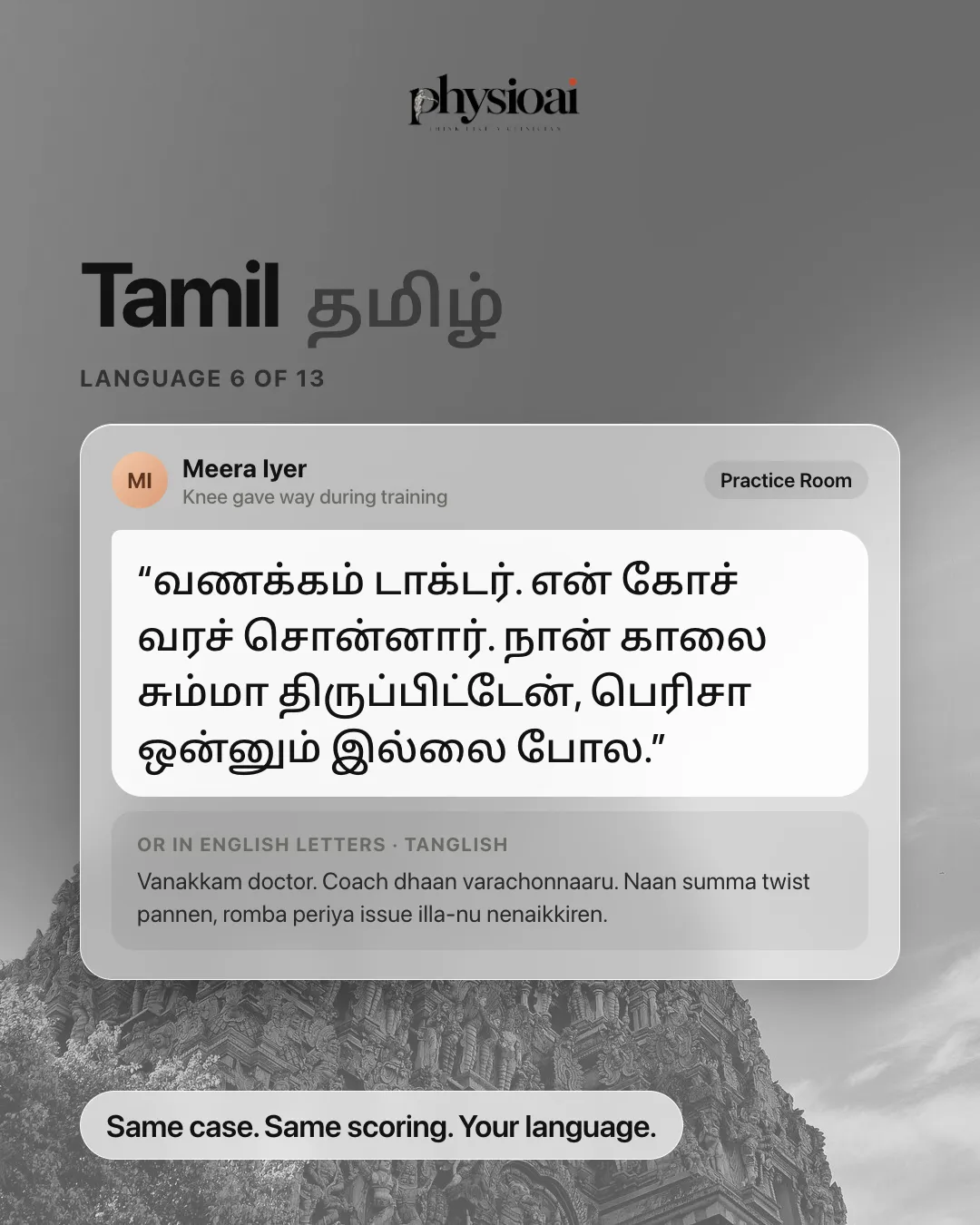
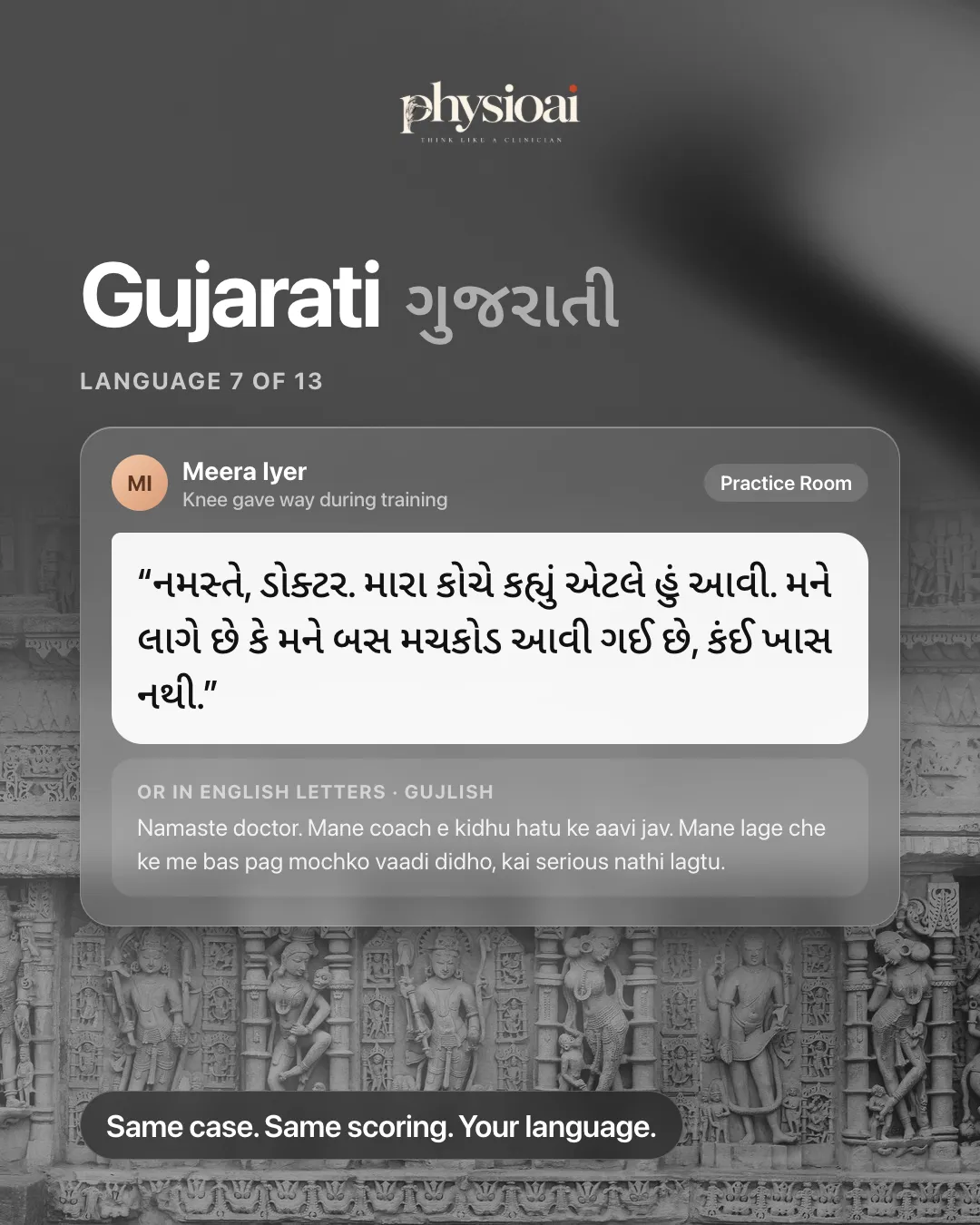
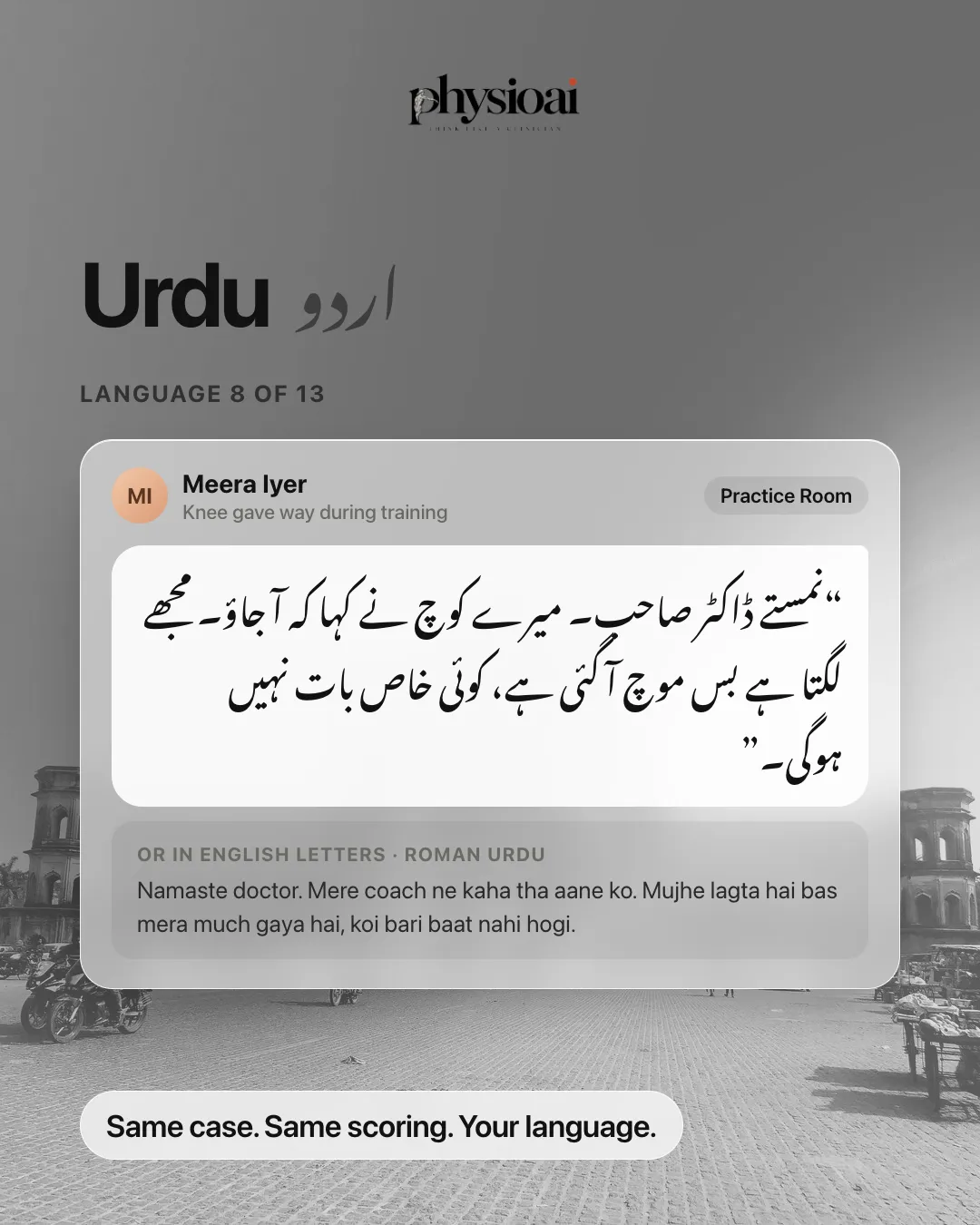
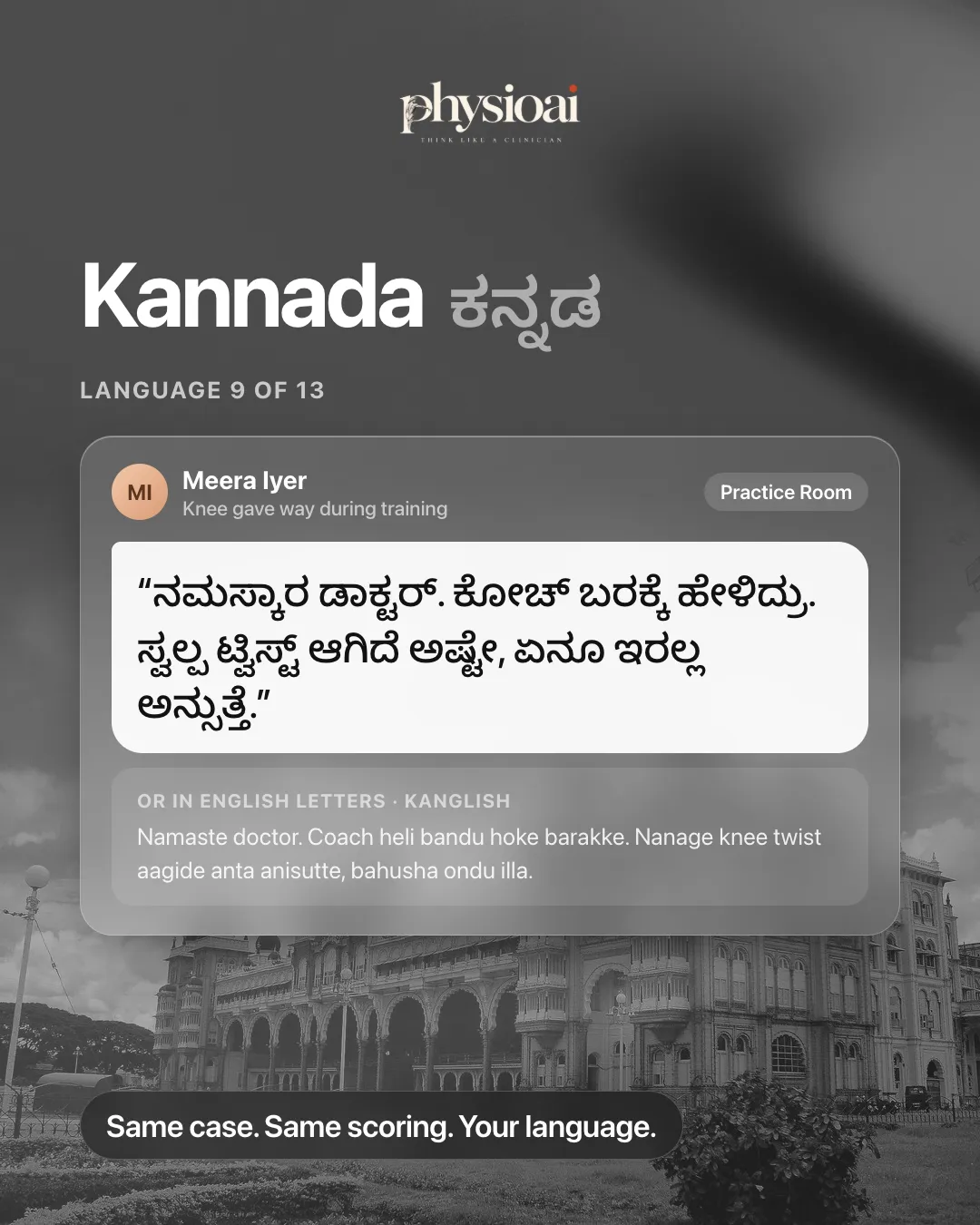
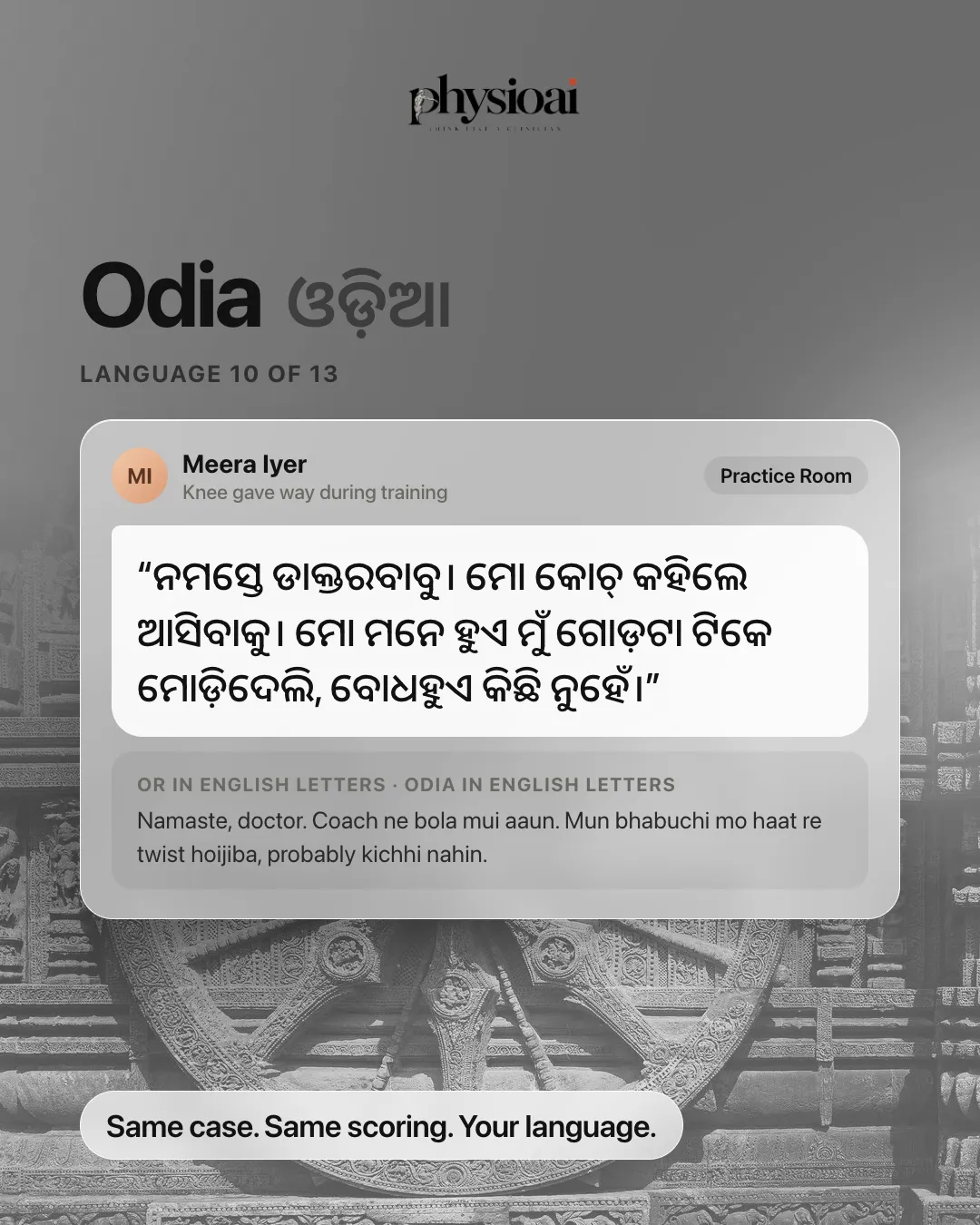
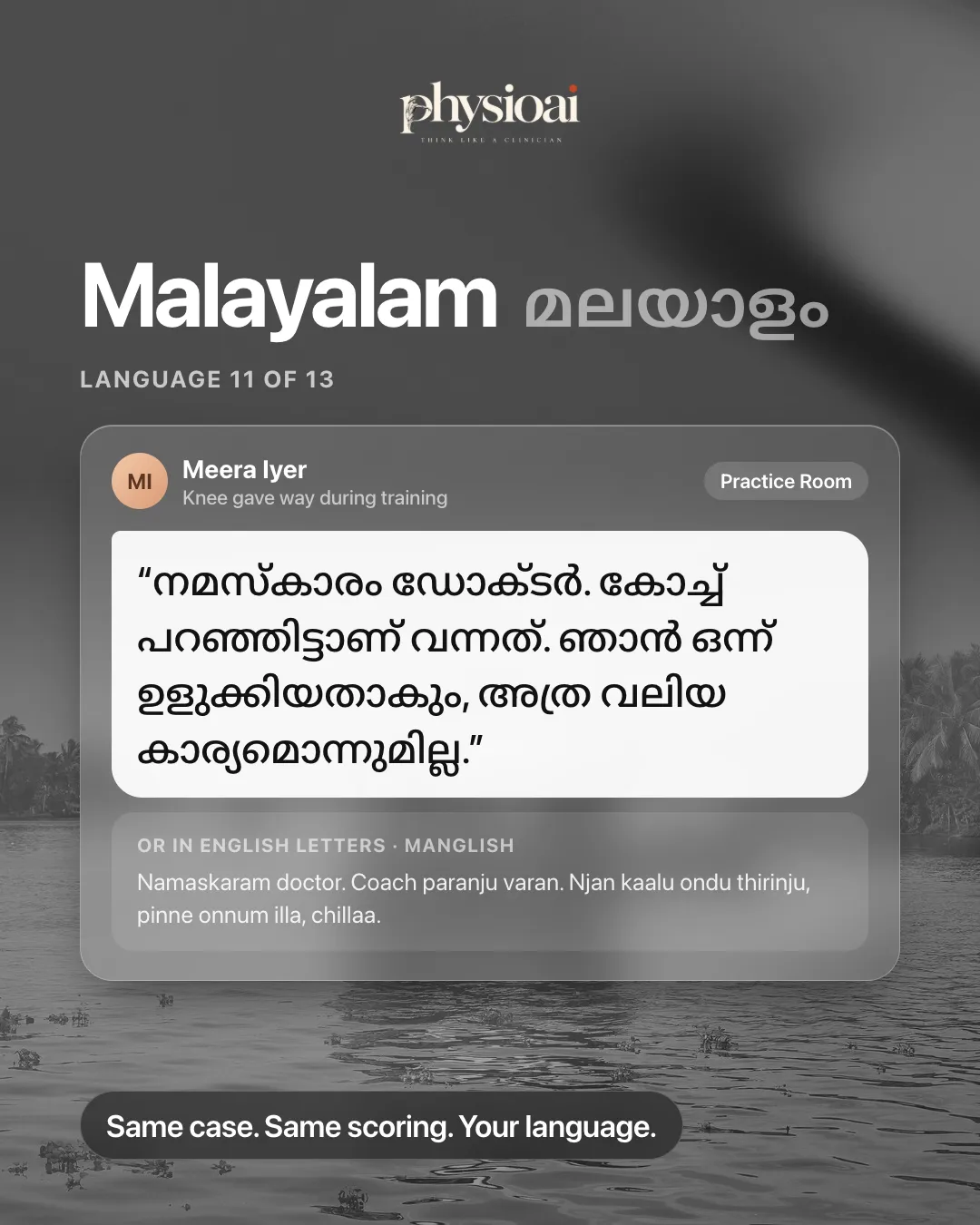
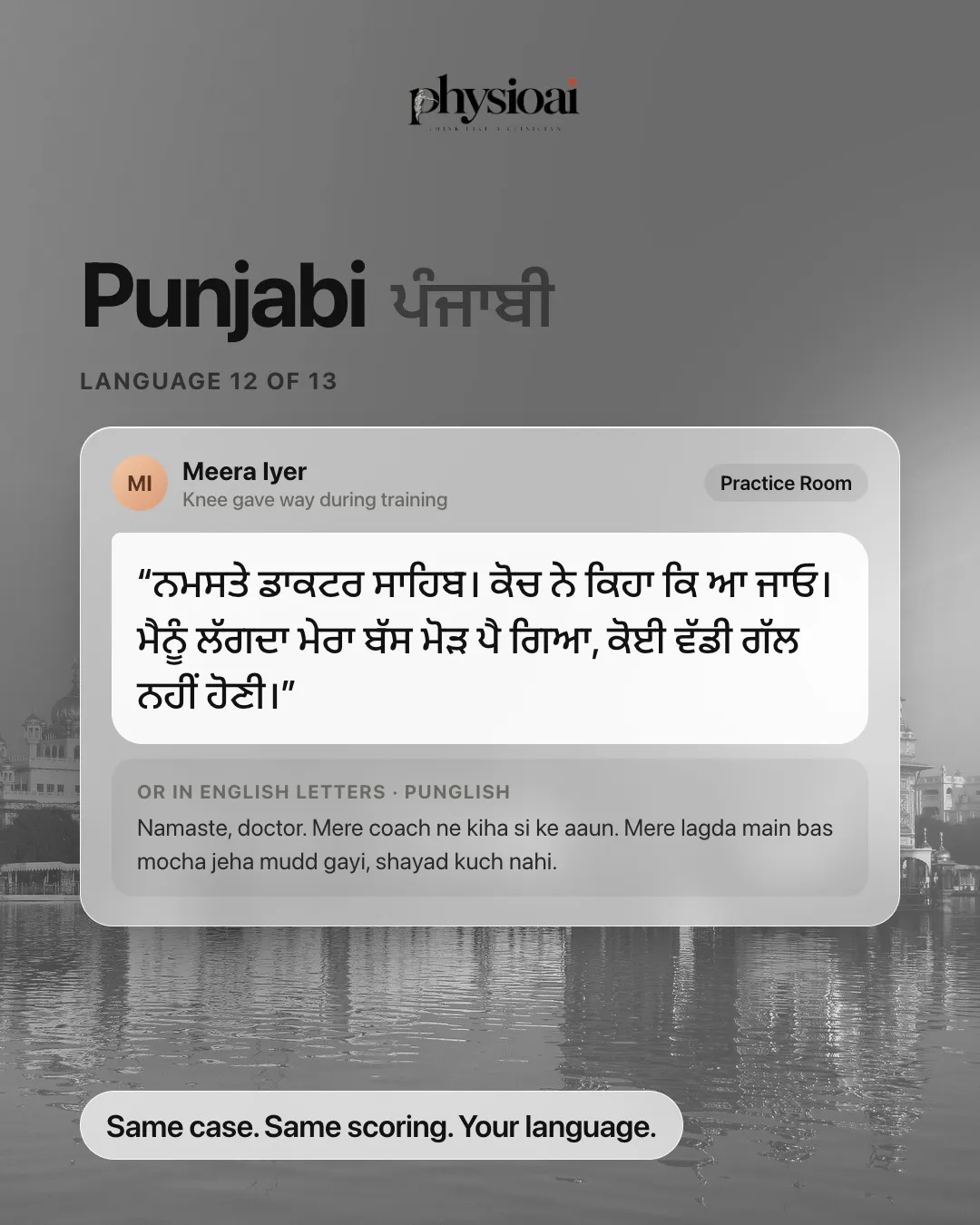
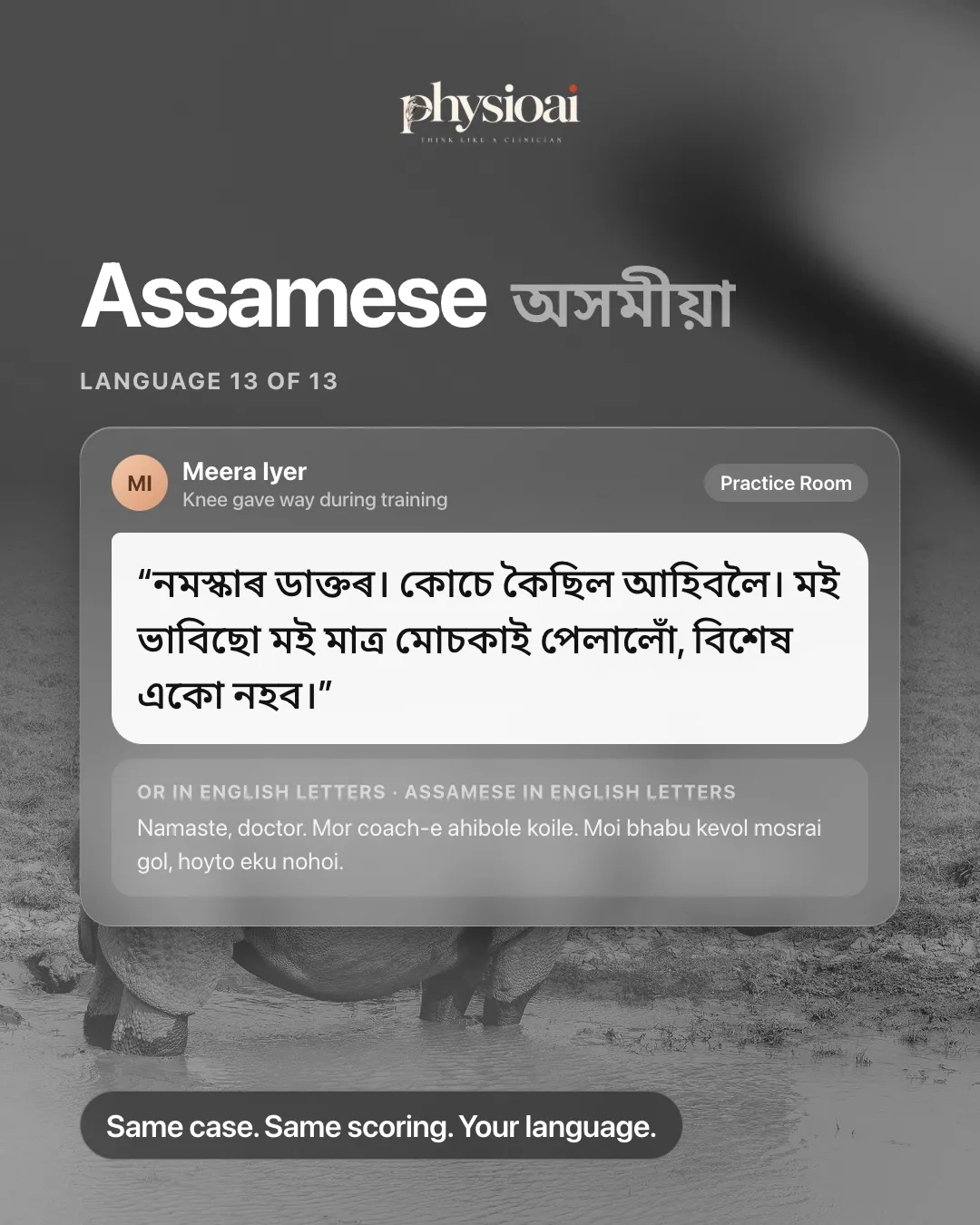
Patient Simulator (called Practice Room in the app), PhysioAI's OSCE patient simulator, now runs in English plus 12 Indian and 5 international languages. The fictional patient speaks your chosen language, your options appear in it, and the examiner's feedback stays in English so your clinical reasoning stays exam-ready.
Key takeaways
- Patient Simulator supports 18 languages: English, 12 Indian languages and 5 international languages.
- Indian languages come in their own script or in English letters (Hinglish, Minglish, Tanglish and so on).
- The patient speaks the language, and you choose from four options in it. The examiner explains in English.
- Stuck on a word? You can switch the consult to English in one tap.
- Every patient and case is fictional, for education only.
Why language matters in history taking
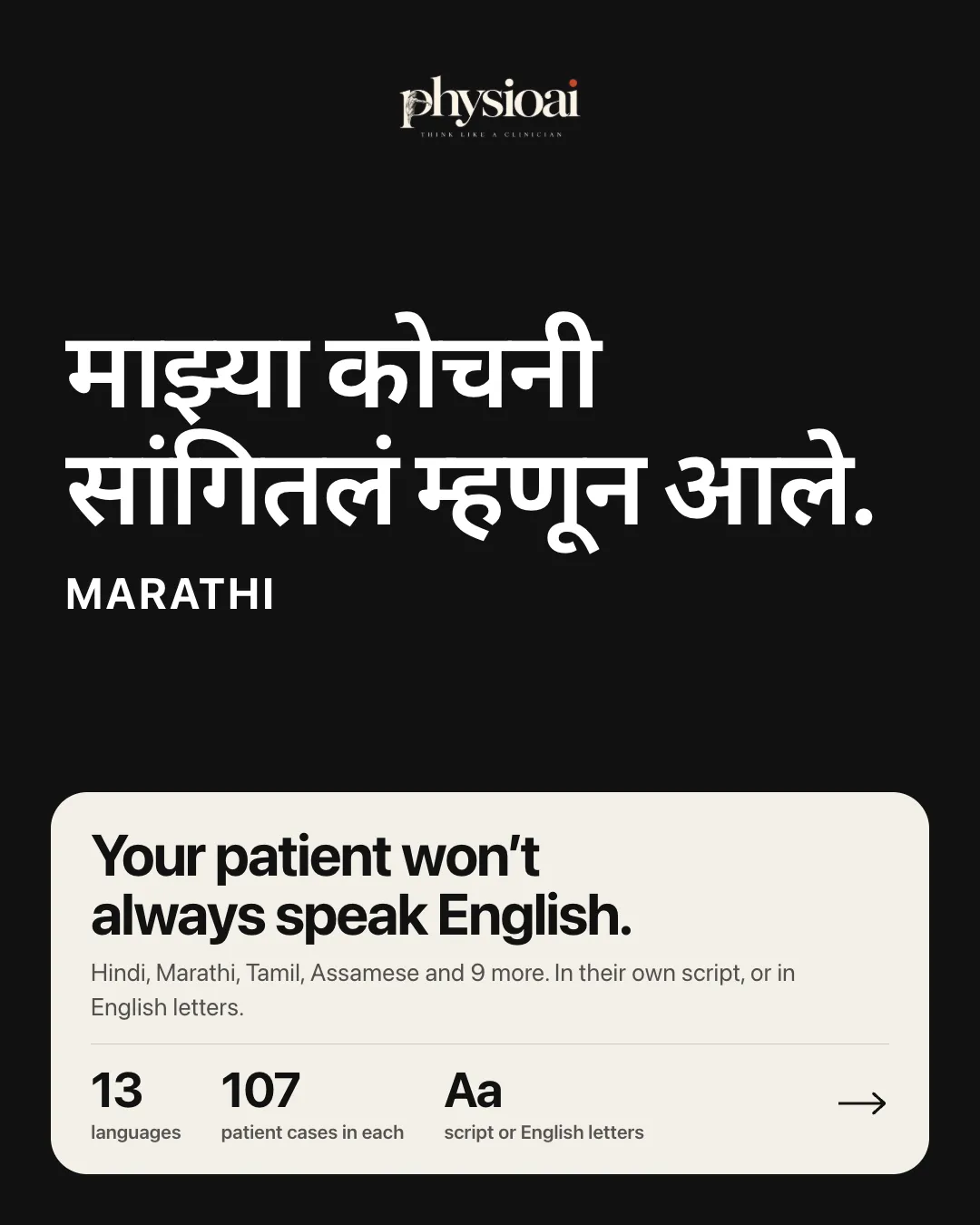
Your patient won't always speak English. In many Indian clinics, history taking happens in Marathi, Tamil, Bengali, Assamese or another regional language. If you plan to work in the Gulf, Europe or the Americas, your patients there may not speak English first either.
History taking is a communication skill as much as a clinical one. A good history depends on open questions, listening and picking up the detail a patient mentions in passing. Practising only in textbook English leaves a gap between how you study and how your patients actually talk.
The supported languages
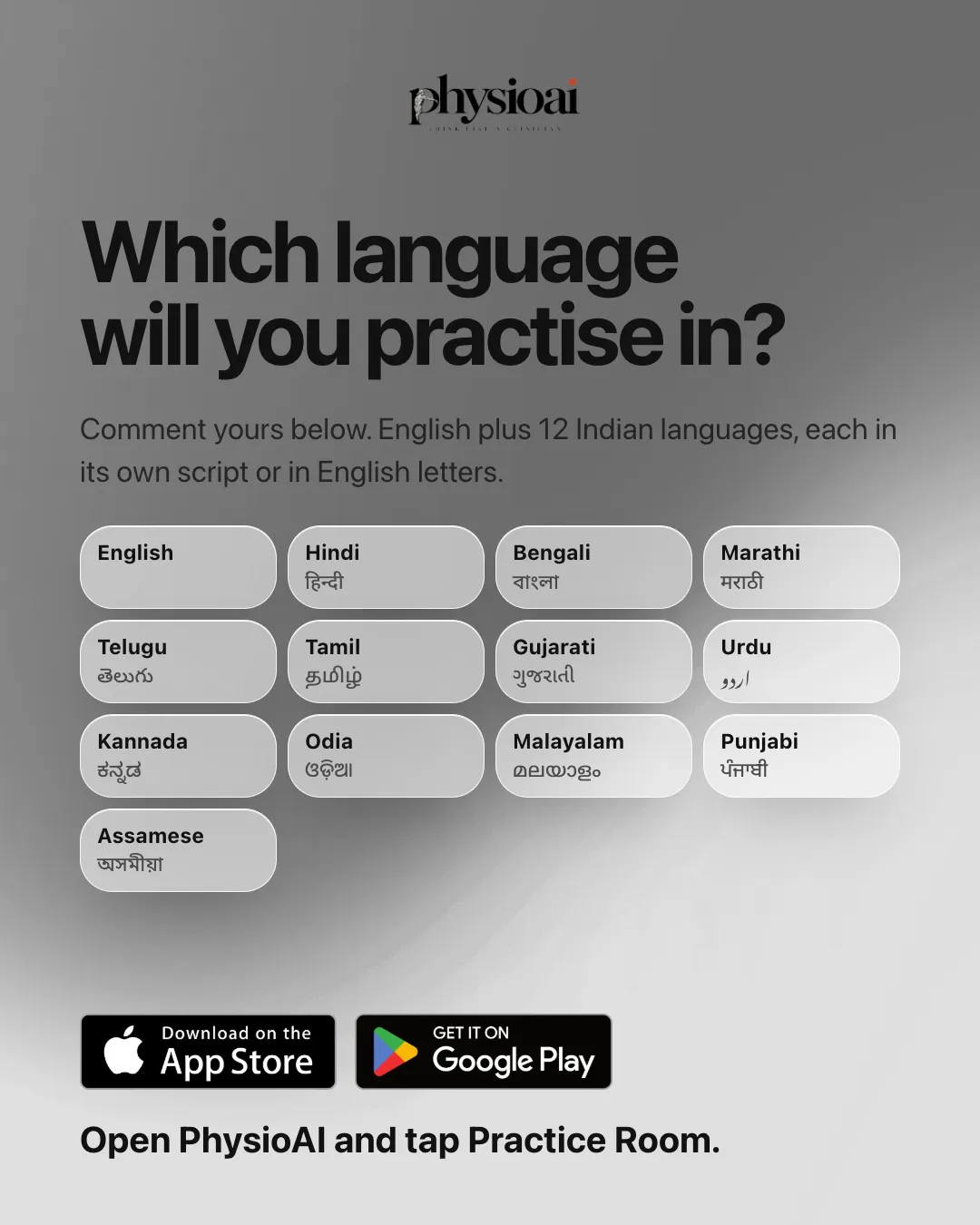
English plus 12 Indian languages: Hindi, Bengali, Marathi, Telugu, Tamil, Gujarati, Urdu, Kannada, Odia, Malayalam, Punjabi and Assamese. Each Indian language is available in its own script or in English letters.
English plus 5 international languages: Arabic, Spanish, French, Portuguese and German. These are aimed at students practising for work in the Gulf, Europe or the Americas. Spanish has no English-letters variant; you switch between Spanish and English instead.
Every Patient Simulator case is available in every language, with the same scoring.
How to choose a language
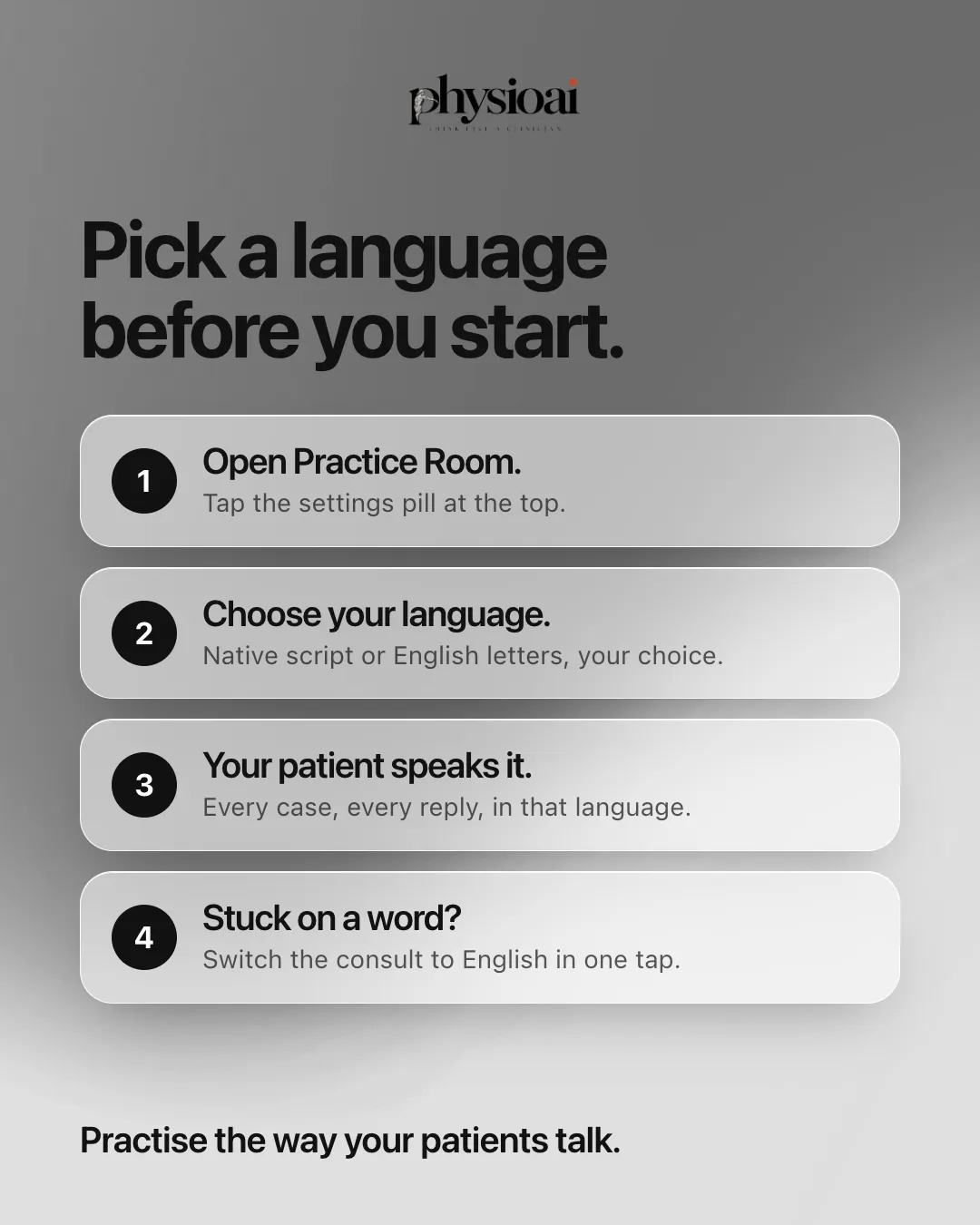
- Open Patient Simulator in the PhysioAI app.
- Tap the settings pill at the top.
- Choose your language, and for Indian languages, choose native script or English letters.
Your patient then speaks that language. Every case and every reply comes in it. If you get stuck on a word, switch the consult to English in one tap and switch back when you are ready.
Practise in your language, learn in English
The design splits the session in two:
- The patient speaks your chosen language, every line and every reply.
- You choose in that language, from four options at every step.
- The examiner explains in English, so the clinical reasoning stays exam-ready.
Each choice is still rated 1 to 5, with the examiner's reason.
An example: Meera's knee
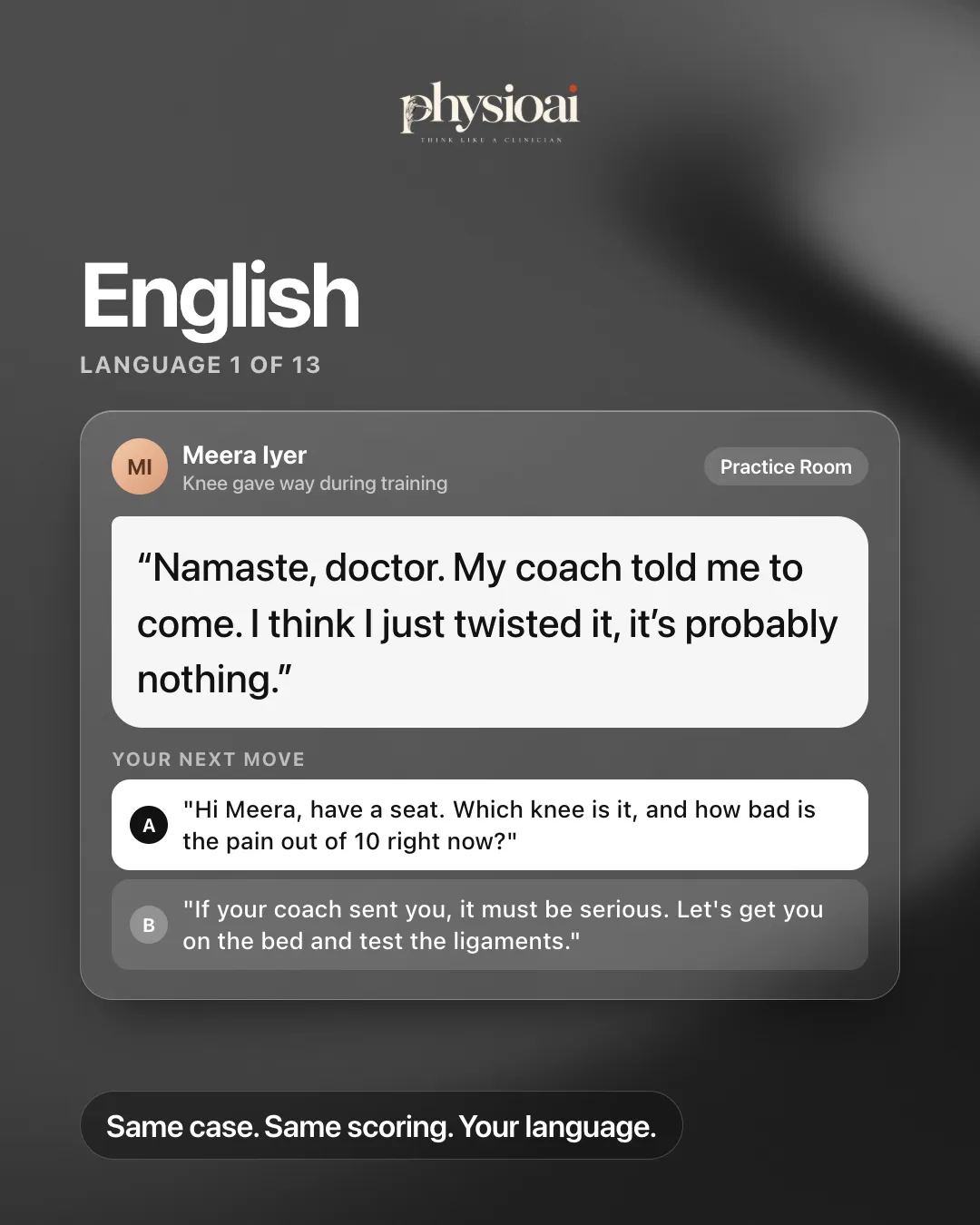
Meera is a fictional state-level runner whose knee gave way in training. She walks in limping, and you speak first. In English she says: "Namaste, doctor. My coach told me to come. I think I just twisted it, it's probably nothing."
Your first move
You see four options, all in your chosen language. One introduces yourself, asks permission to talk and examine, and then asks what happened. Another asks which knee and how bad the pain is out of 10. A third assumes it must be serious because the coach sent her and goes straight to testing the ligaments. A fourth agrees it is probably nothing and suggests a few exercises.
The best start is name, consent and an open question: the three things every OSCE examiner listens for in the first 30 seconds.
She answers based on what you chose
Choose the open question and Meera explains, in your language, that it happened six days ago at evening training. She was doing a cone drill, turned, and the knee "just went". She thinks it is only a sprain.
Ask the right question
Meera only mentions the pop if you ask. A pop at the moment of injury is one of the strongest history clues for an ACL injury, and she only reveals it when asked directly. Asking about warm-up or pointing to the painful spot will not get you there.
Catch the clue
Ask whether the knee swelled and how soon, and she tells you it blew up like a balloon within an hour or two and is still swollen, a bit less now. Rapid swelling after a twisting injury is another classic history clue. Miss it, and the report shows you how to ask.
This is how Patient Simulator works in every language: the patient reacts to what you chose, like a real patient in a real OSCE.
Who this helps
- Indian students who will take histories in a regional language on placements and in practice.
- Students practising for work abroad who want to rehearse a consultation in Arabic, Spanish, French, Portuguese or German before they meet real patients.
- Anyone who wants to practise the way patients actually talk, while keeping the clinical feedback in English.
How to try Patient Simulator in your language
Open the PhysioAI app, tap Patient Simulator and pick your language from the settings pill. Patient Simulator opens in waves, so join the waitlist in the app if you are not in yet. Read more about cases, scoring and access on the Patient Simulator page.